

A few weeks ago I wrote about using Cursor to migrate my speaker page to Hugo . That was the IDE, pair programming inside the editor. This time it’s different: I’ve stepped into another dimension with Cursor CLI on my FSCrawler project. I was reluctant at first; now it’s my companion on the road. Here’s the experience—including the addictive side and the pressure I feel.
The reluctant beginning
At first I was skeptical. Why? Probably because I’m an old developer, afraid of being replaced by a machine, or reading too much content saying that AI is bad and is hallucinating. And maybe also because I love writing code myself.
But, I’m also curious to learn at the same time. So I decided to start my journey with my blog post migration.
As my first project was far above my expectations, I decided to continue and explore something I heard about recently: Cursor CLI.
Cursor CLI: a new way to Claude code
I don’t think I can explain yet why I feel this tool is so different from Cursor IDE. I suspect that’s because it looks like a simple search bar, and you know, for search… 😅
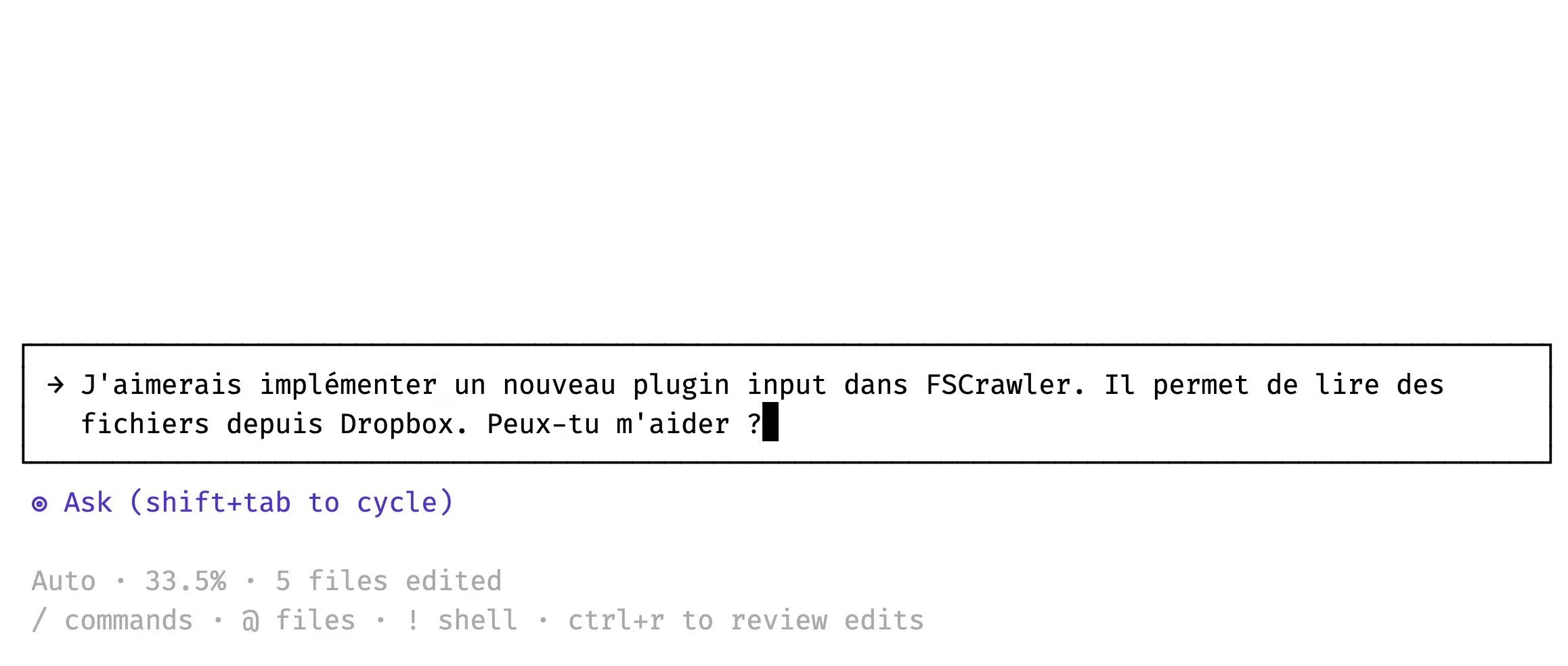
Asking Cursor, in 🇫🇷
You can even “speak” with it in your native language. And to be honest, that’s something that might not seem noticeable but after some days I feel that not having to process architectural decisions in English is helping me a lot.
Here I asked if implementing a new plugin in FSCrawler is doable.
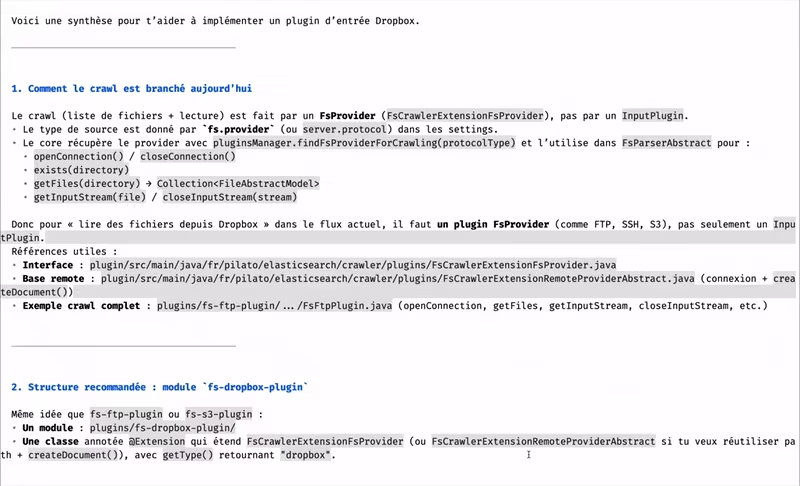
Cursor’s answer, in 🇫🇷
Cursor analyzed the project and told me what I’d need to do for this. The answer is in French, with some arguments on how to implement it correctly.
Of course, I knew the answer before asking but that’s a way for me to start the discussion and check that the model (automatic cursor mode here) does not start in the wrong direction.
David Cursor has a plan
My next step, depending on the size of the expected modification, is to ask for a detailed plan. Normally with all the needed steps to be performed.
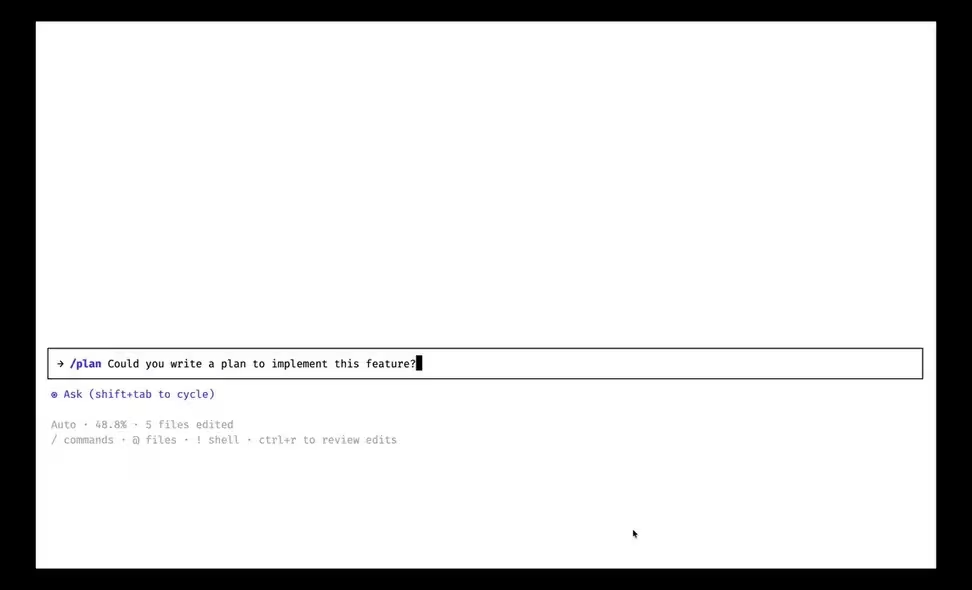
What’s your plan Cursor?
And of course, don’t take it for granted. You have to discuss with the agent and adjust whatever you think should be done differently.
Cursor CLI as a daily companion
After several weeks on FSCrawler, the CLI has become my go-to. I used it for:
- enhancing the project on areas I’m not familiar with, like Docker. In #227 I was able to reduce the size of the Docker image by 7% (ocr) to 36% (noocr) by changing the base image.
- updating the documentation to make it consistent with the code.
- fixing issues reported by the community, like with #2281 .
- introducing a new library instead of my own methods. In #2276 , I replaced custom await utilities with the Awaitility library.
- refactoring. When you know what you want to do but you also know that it will take you a lot of time. For example, I know that I need to add more support for plugins, to be able to extend the project with new features.
Cursor bot on Github to catch errors
There’s also a funny chicken and egg story. I’m using Cursor CLI to fix issues, and push the code to Github and open a Pull Request. On Github, the Cursor bot is finding issues I did not find myself when I reviewed the code. I then copy/paste the error report in Cursor CLI to fix the bug it introduced previously.
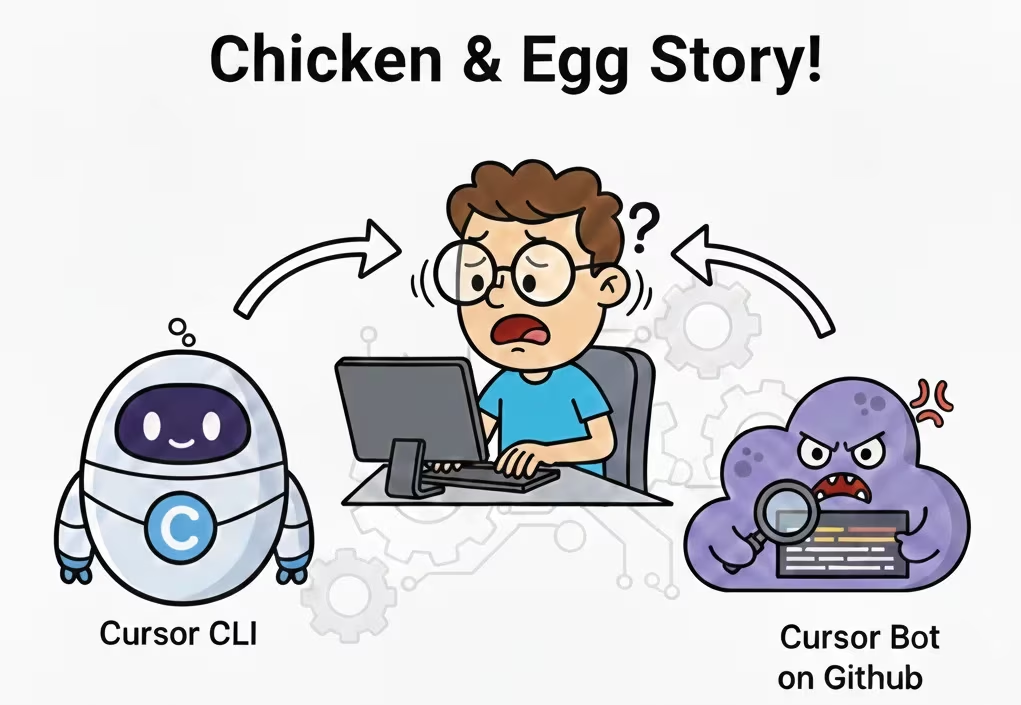
Cursor speaking with Cursor
The bot is fixing the agent’s mistakes. It’s like having a seatbelt.
But sometimes, you have to be very careful with what the CLI is producing. I remember that for #2281 , Cursor CLI created a patch which worked, BUT…
When I read the code, I saw something like this:
FileInputStream fis = new FileInputStream(file);
byte [] byteArray = IOUtils.toByteArray(fis);
If you know FSCrawler and Java, you know that this toByteArray() will basically read the whole file in memory. This is not a good idea if the file is large, which relates to the bug reported by the user:
MD5 checksum incorrect for binary files > 64KB (application/octet-stream)
So I told the CLI my concern about this code and it wrote a new implementation.
The addictive side
It’s hard to go back once you’re used to it. But when you think about it, it’s sometimes ridiculous to consume requests for very basic tasks. Imagine this scenario:
- Analyze a bug report ✅
- Write a test ✅
- Write a fix ✅
- Document the patch ✅
- Commit the changes ❌
- Push the changes ❌
- Open a Pull Request ❌
At some point, I was asking Cursor CLI to “commit the changes”. But I can obviously do it by myself. If your instructions are clear, you can maybe just copy/paste the fix documentation and use it as your commit message, then commit, push and open a Pull Request.
I’m lazy, for sure. When something can do it for me, I normally prefer to let it do it. But then, I always have my Cursor dashboard open in a tab.

Cursor usage dashboard
As an example, it’s the 5th day of February 2026 and I’ve already used more than 700 requests on the 1000 requests per month quota Elastic is giving me. And this creates quota anxiety.
Can I finish what I’m working on at the moment?
So I started to look at my coming schedule and saw that:
- I’m speaking at Touraine Tech for 3 days
- I have one full week of holidays.
- February 2026 has 28 days.
If I slow down a bit my usage, I’ll be able to finish the month with a few requests left. Or may be I could ask a colleague who is not using his quota yet to give me a hand.
But do you see what I’m saying here? I’m like a drug addict who is afraid of running out of his favorite drugs. And I don’t have any addiction. I don’t want to start to have one with AI.

AI Drug addict
Feed the machine
I ran also into this problem. When I was project manager in the past, I was giving tasks to my team members and while my colleague was working on the task for some hours, somes days or a week, I was thinking about the next tasks, doing other things related or not directly to the project, exploring new technologies, etc…
But here, the machine is answering me in few minutes. And I have the feeling that I’m wasting its time if I’m not actively checking what it did and what I should give it next.
I’m feeling that I MUST feed the machine, always. The AI is depending on me feeding it. So I spent countless hours the first days, working from 9AM to 3AM, just to give it something to do while I’m sleeping.
Like the railwayman who is feeding the steam engine with coal to keep it running.

Railwayman feeding the steam engine
The feedback loop is so fast that it’s changing how you work. It took me some days to realize that I can totally stop using AI for a while and switch to the other tasks, like writing this post.
Conclusion
I spoke or read about all that from some colleagues. I’m not the only one feeling this way and we are all sharing similar experiences. All that is a brand new world and I must admit that I have yet no idea on how this will change the landscape, the way we are learning to code, if all this will lead us to what has been very well described in Idiocracy in 2006.
As Shay said recently in a meeting, AI is giving him back the joy of coding: he no longer has to write the skeletons, the boring boilerplate, the repetitive refactoring. He can focus on what actually matters, the smart part of the process: ideas and creativity.
I’m feeling the same. The excitement is here. We “just” need to tame the tool and learn about ourselves to use it wisely.