David Pilato
David Pilato
Developer | Evangelist
  • Archives
  • Talks
  • About me
  • All Categories
  • All Tags
  • RSS
Enriching postal addresses with Elastic stack

Enriching postal addresses with Elastic stack

Elastic Krakow Meetup – Kraków 🇵🇱

Jun. 2019

David Pilato
David Pilato
Enriching postal addresses with Elastic stack

Abstract

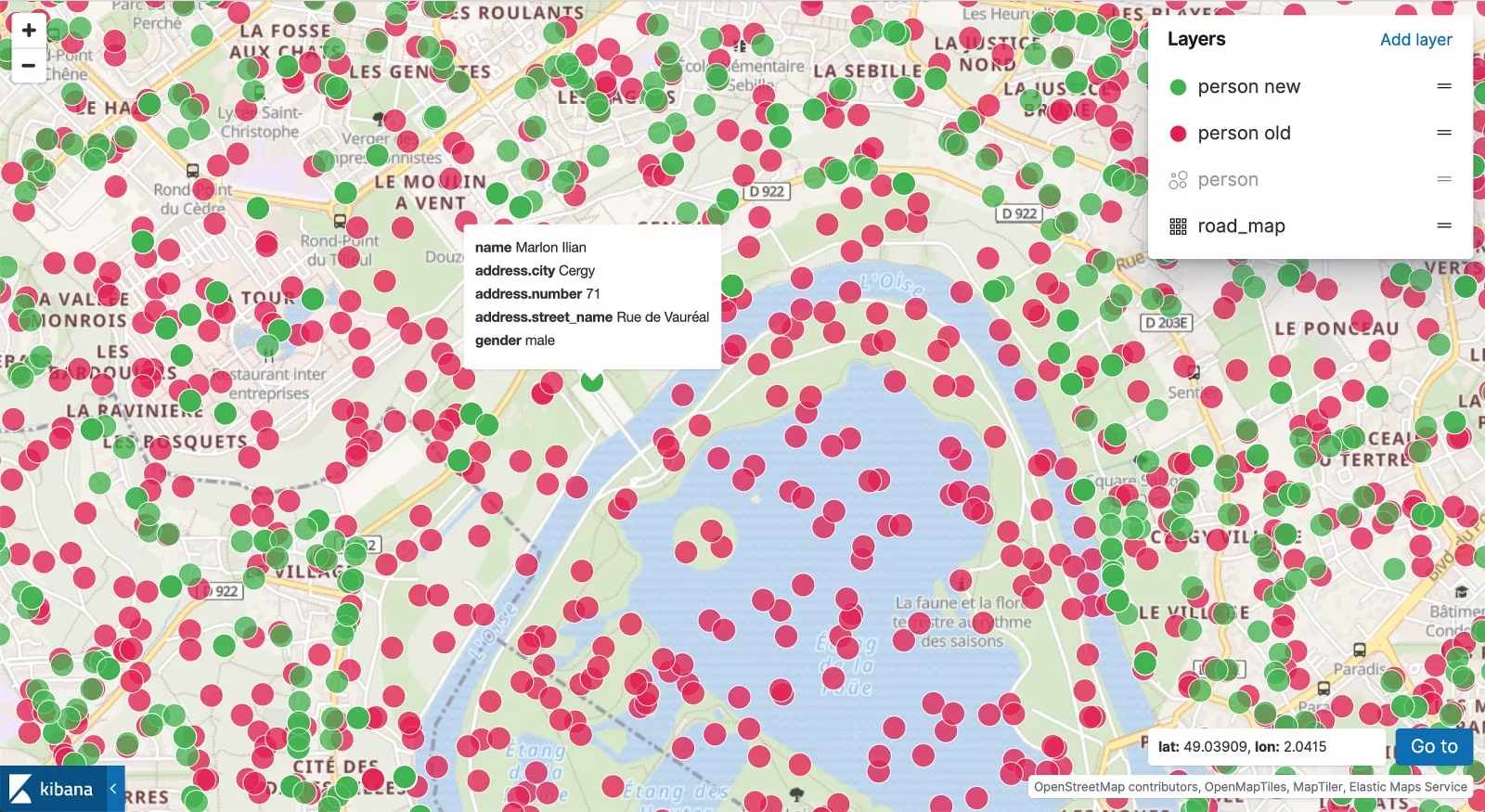
Come and learn how you can enrich your existing data with normalized postal addresses with geo location points thanks to open data and BANO project.

Most of the time postal addresses from our customers or users are not very well formatted or defined in our information systems. And it can become a nightmare if you are a call center employee for example and want to find a customer by its address. Imagine as well how a sales service could easily put on a map where are located the customers and where they can open a new shop…

Let’s take a simple example:

{
  "name": "Joe Smith",
  "address": {
    "number": "23",
    "street_name": "r verdiere",
    "city": "rochelle",
    "country": "France"
  }
}

Or the opposite. I do have the coordinates but I can’t tell what is the postal address corresponding to it:

{
  "name": "Joe Smith",
  "location": {
    "lat": 46.15735,
    "lon": -1.1551
  }
}

In this live coding session, I will show you how to solve all those questions using the Elastic stack with a lot of focus on Logstash and Elasticsearch.

Resources

The following resources were mentioned during the presentation or are useful additional information.

Blog: Enriching Your Postal Addresses With the Elastic Stack - Part 1

Blog: Enriching Your Postal Addresses With the Elastic Stack - Part 2

Blog: Enriching Your Postal Addresses With the Elastic Stack - Part 3

Code: bano-elastic

Buzz and feedback

Here's what was said about this presentation on social media.

I'll be speaking about enriching your postal addresses with #ElasticStack in Krakow, PL 🇵🇱 on June, Monday 24th. More details here: https://t.co/LRTsdtwbCQ Join us! 🤗 pic.twitter.com/0nSReqyrDh

— David Pilato 🇺🇦🇪🇺🇫🇷 (@dadoonet) June 13, 2019
Previous page Recherche avancée pour votre application “legacy”
Next page Testcontainers pour de vrais tests d’intégration d’Elasticsearch
Played Postal Addresses 8 times
  • 2023-11-21 – Big Data Conference Europe en Enriching postal addresses with Elastic stack
  • 2022-02-17 – BBL Neo9 (Private Event) fr Enrichir ses adresses postales avec la suite Elastic
  • 2020-12-10 – London Information Retrieval Meetup en Enriching postal addresses with Elastic stack
  • 2020-02-26 – Meetup Elastic Montreal fr Enrichir ses adresses postales avec la suite Elastic
  • 2019-06-24 – Elastic Krakow Meetup en Enriching postal addresses with Elastic stack
  • 2019-05-30 – Elastic Singapore Meetup en Enriching postal addresses with Elastic stack
  • 2019-04-12 – Developers Conference fr Enrichir ses adresses postales avec la suite Elastic

© 2010 - 2026 David Pilato

Search is powered by Pagefind. Just hit CTRL+K or CMD+K to start searching.

Powered by Hugo with Dream and Devrel themes.

Details

I discovered Elasticsearch project in 2011. After contributed to the project and created open source plugins for it, David joined elastic the company in 2013 where he is Developer and Evangelist. He also created and still actively managing the French spoken language User Group. At elastic, he mainly worked on Elasticsearch source code, specifically on open-source plugins. In his free time, he likes talking about elasticsearch in conferences or in companies (Brown Bag Lunches AKA BBLs). He is also author of FSCrawler project which helps to index your pdf, open office, whatever documents in elasticsearch using Apache Tika behind the scene.

Who am I?

Developer | Evangelist at elastic and creator of the Elastic French User Group. Frequent speaker about all things Elastic, in conferences, for User Groups and in companies with BBL talks. In my free time, I enjoy coding and deejaying as DJ Elky, just for fun. Living with my children in Cergy, France.

Social Links

© 2010 - 2026 David Pilato

Search is powered by Pagefind. Just hit CTRL+K or CMD+K to start searching.

Powered by Hugo with Dream and Devrel themes.
